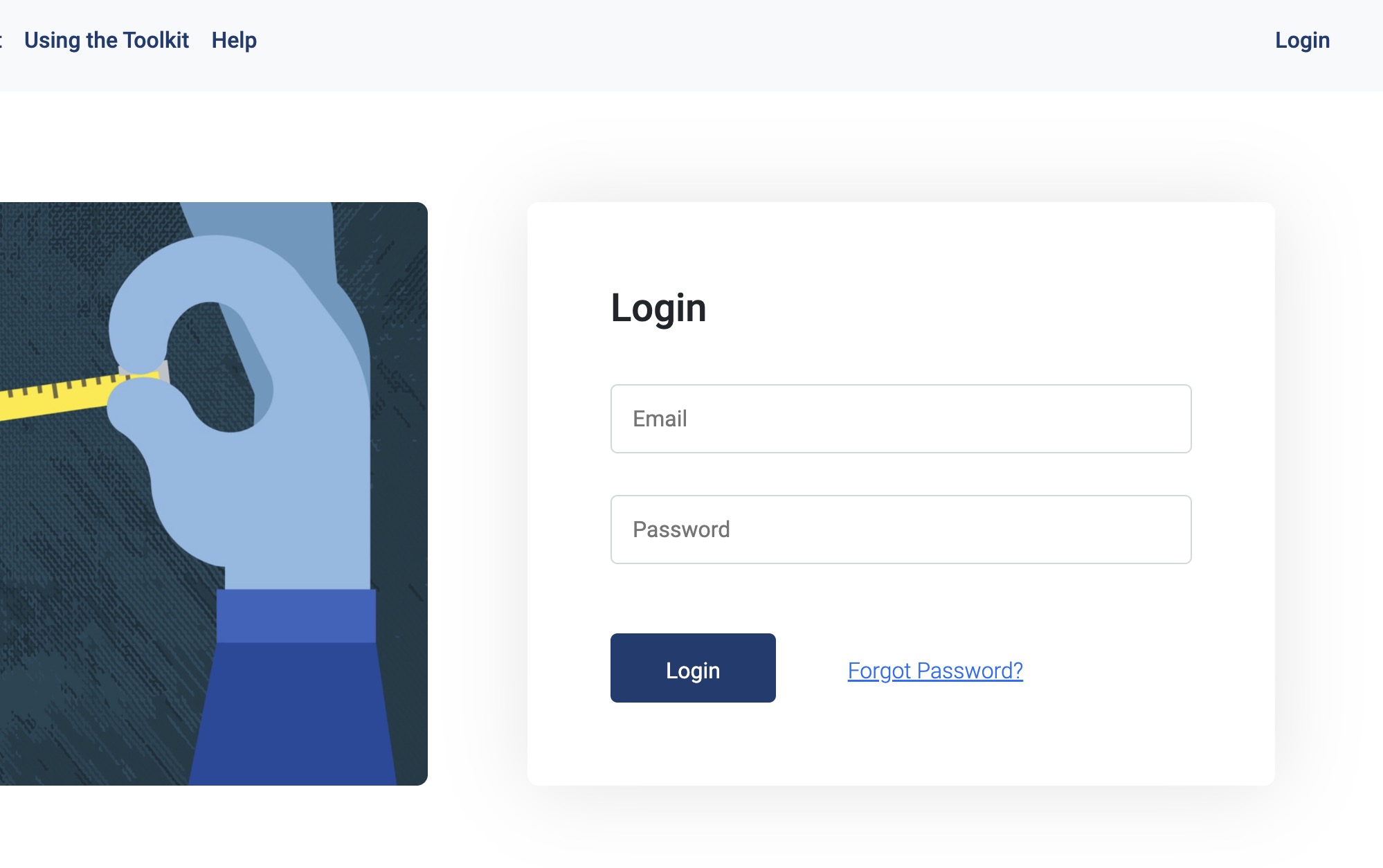
1. Login to the toolkit by going to the login link and use the credentials provided for your organisation.
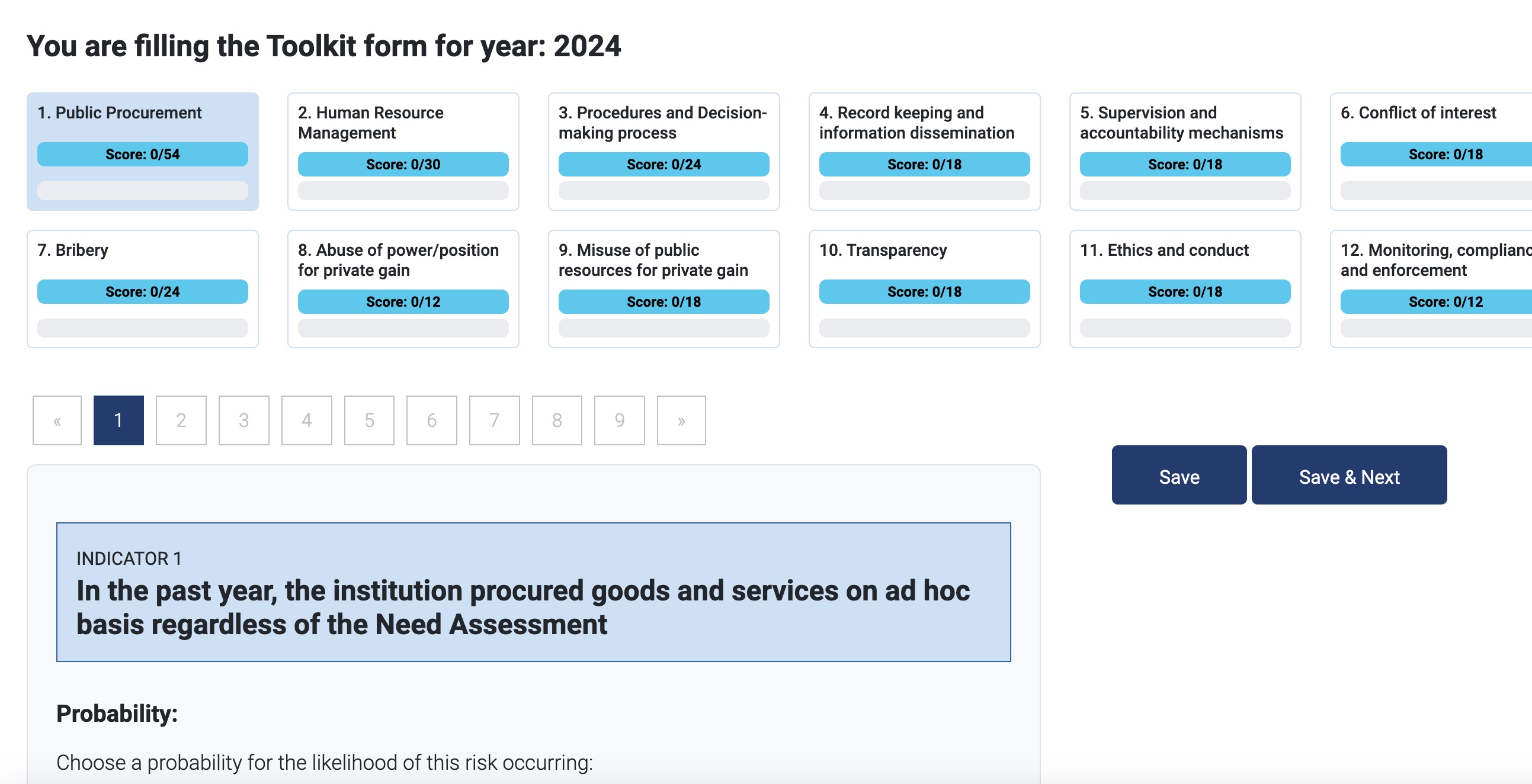
2. You will be presented with the toolkit questions.
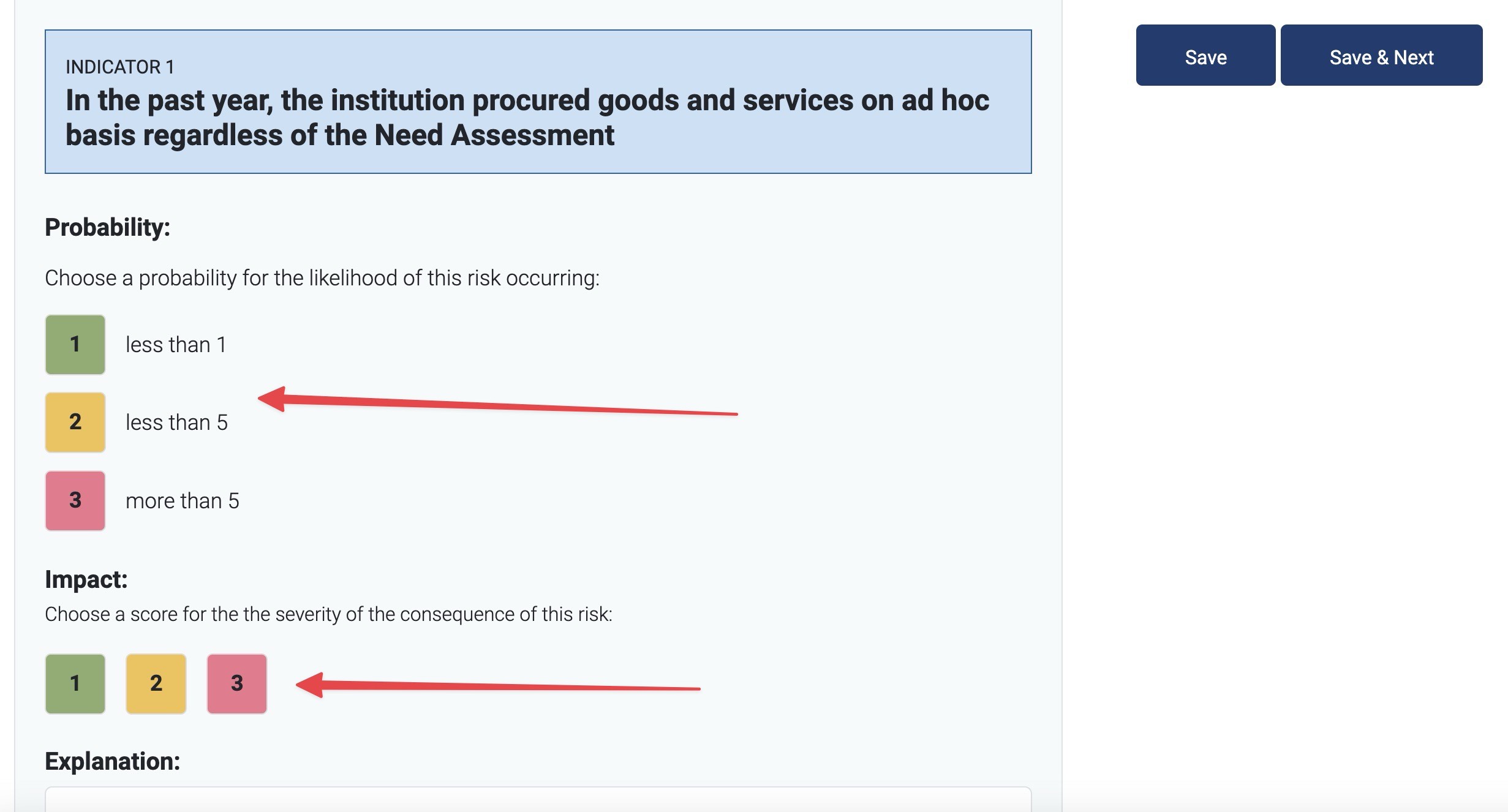
3. Read the question and scoring answers, and select the appropriate score for Probability and Impact from the score selector.
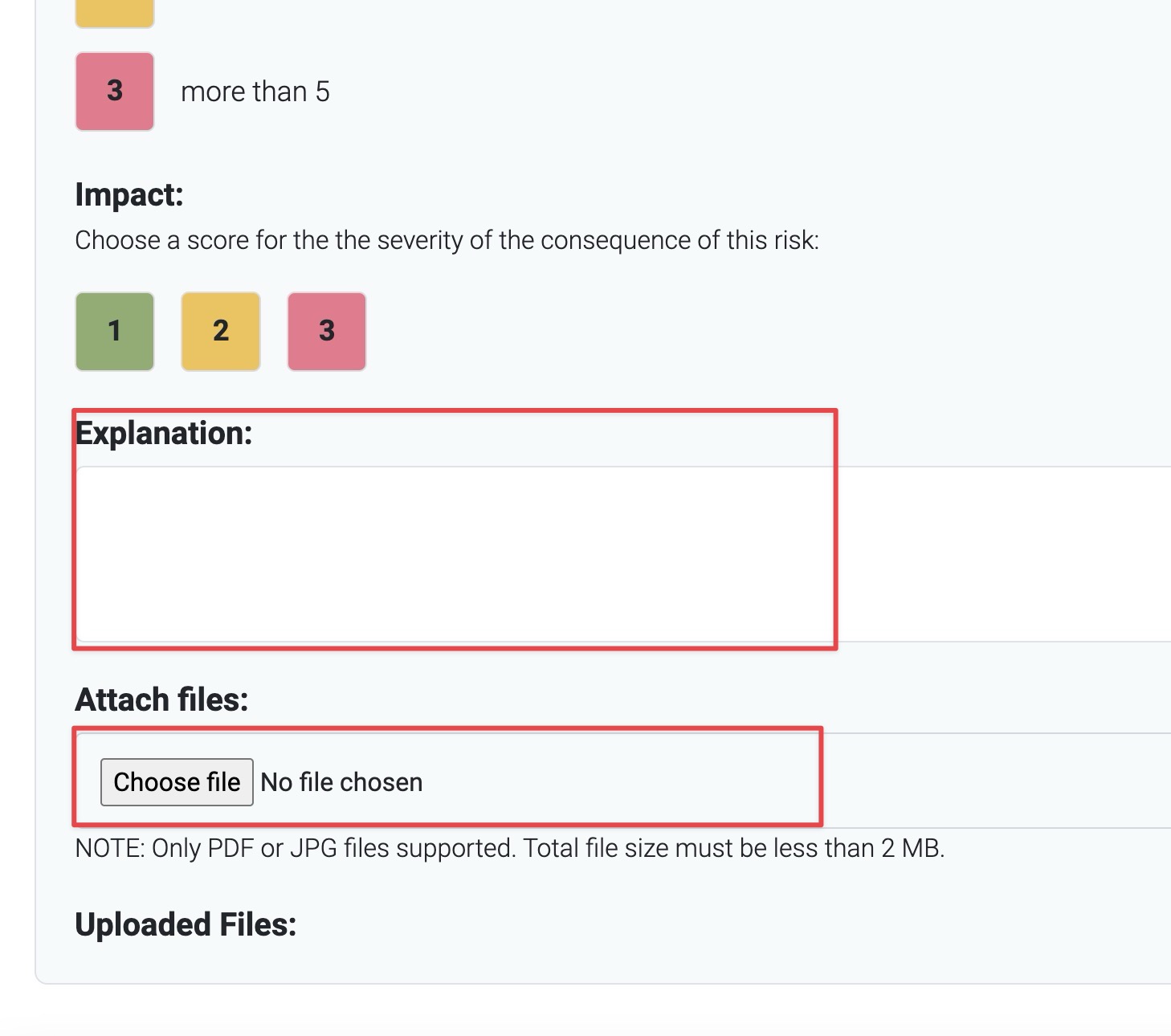
4. Add an explanation and/or attach any supporting files. An explanation and file attachments are required depending on the score that is selected.
5. Click on Save to "Save" your answer, or click on "Save & Next" to save and proceed to the next question.
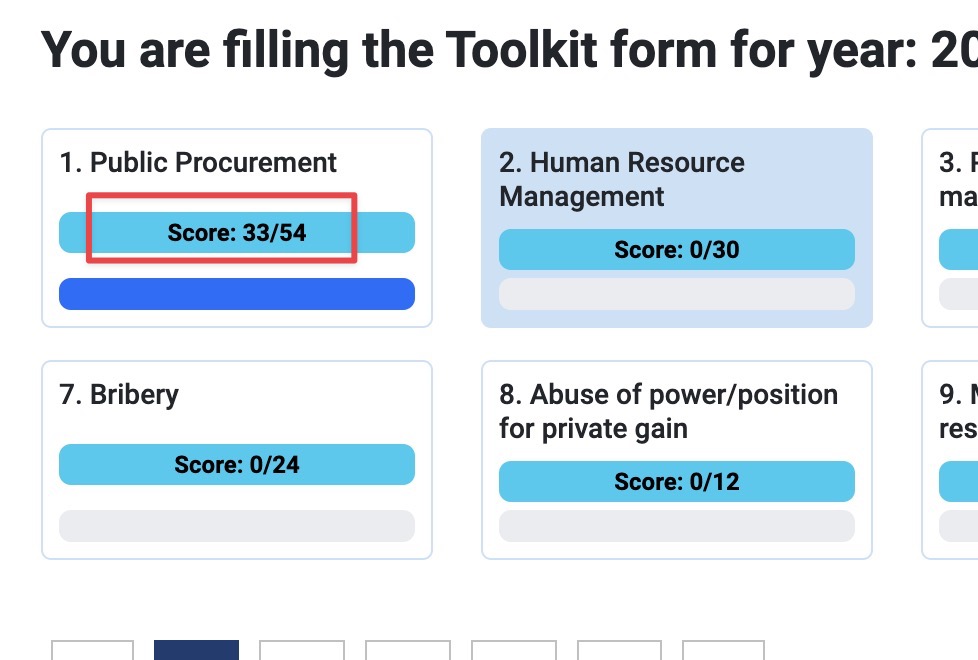
6. Your organisation's total section score will be updated when selections are made and is an aggregate value from your answers from all the sections.
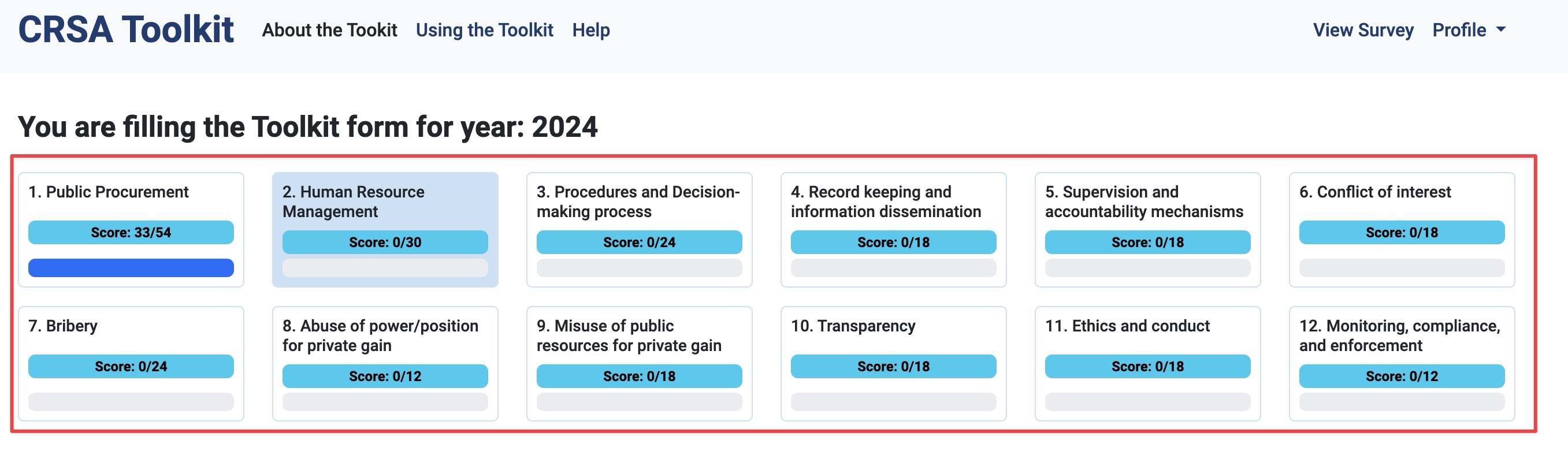
7. Use the top navigation area to navigate between the different Toolkit survey sections.
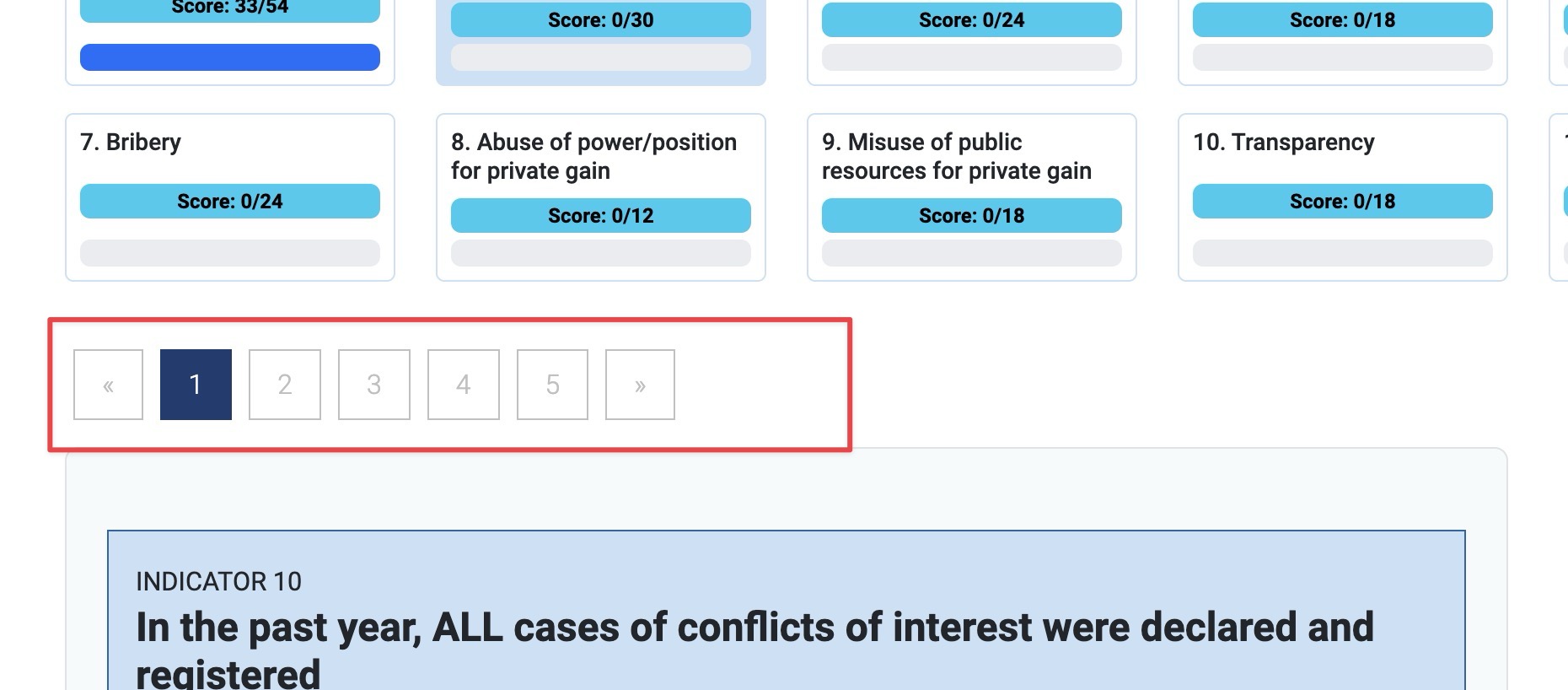
8. Use the pagination below the section boxes to navigate between questions.
NOTE: Green indicates questions that have been answered.
9. When all the score selections are completed, you can submit your toolkit and will be presented with a summary of your answers.
10. If you need help with using the toolkit or have questions, please contact crsatoolkithelp@acc.gov.mv